How to Use Muse AI: Complete Guide
What Muse AI Can Do
Muse operates as a proactive agent that works in the background even after you close the app. According to Meta’s official launch announcement, the core capabilities include:| Capability Category | Specific Use Cases | Execution Model | Approval Required |
|---|---|---|---|
| Email & Communication | Send emails, compose messages, forward to Muse address | Direct execution with built-in browser | Yes, for sending |
| Travel & Booking | Book flights, hotels, rental cars, make reservations | Fills forms and uses Stripe Link checkout | Yes, before purchase |
| Shopping & Deals | Find better prices, load shopping carts, negotiate bills | Connects to Shopify and payment systems | Yes, for purchases |
| Personal Tasks | Convert recipes to grocery lists, manage schedules, health goals | Integrates with calendar, files, apps | Per-task basis |
| Advanced Features | Voice mode, background work, and a Mac app with computer use | Runs on dedicated cloud virtual machine | Yes, context-dependent |
Muse AI Architecture & Security
Muse runs on Meta’s proprietary infrastructure with security as a core design principle. Each user gets a dedicated, isolated virtual machine in Meta’s cloud. The agent operates in its own sandboxed browser environment, separate from your actual passwords and payment details. Meta’s AI Chief emphasized that Muse “never sees your actual passwords or payment details” — they remain secured in a separate system called Sentinel that approves actions on your behalf.Step-by-Step Guide to Getting Started
Step 1: Sign Up and Account Creation
Visit muse.ai to log in to Muse AI, or download the Muse app for iOS and Android. Sign in using your Meta Account (created via Facebook, Instagram, email, or phone number). Note: Muse is currently available in the United States and Canada for users 18 and older (US since September 8, 2026; Canada since September 18, 2026). Meta’s free tier comes with a weekly usage limit, and TechCrunch reports that a payment card is required even on the free tier. You only need a paid plan when you want more usage.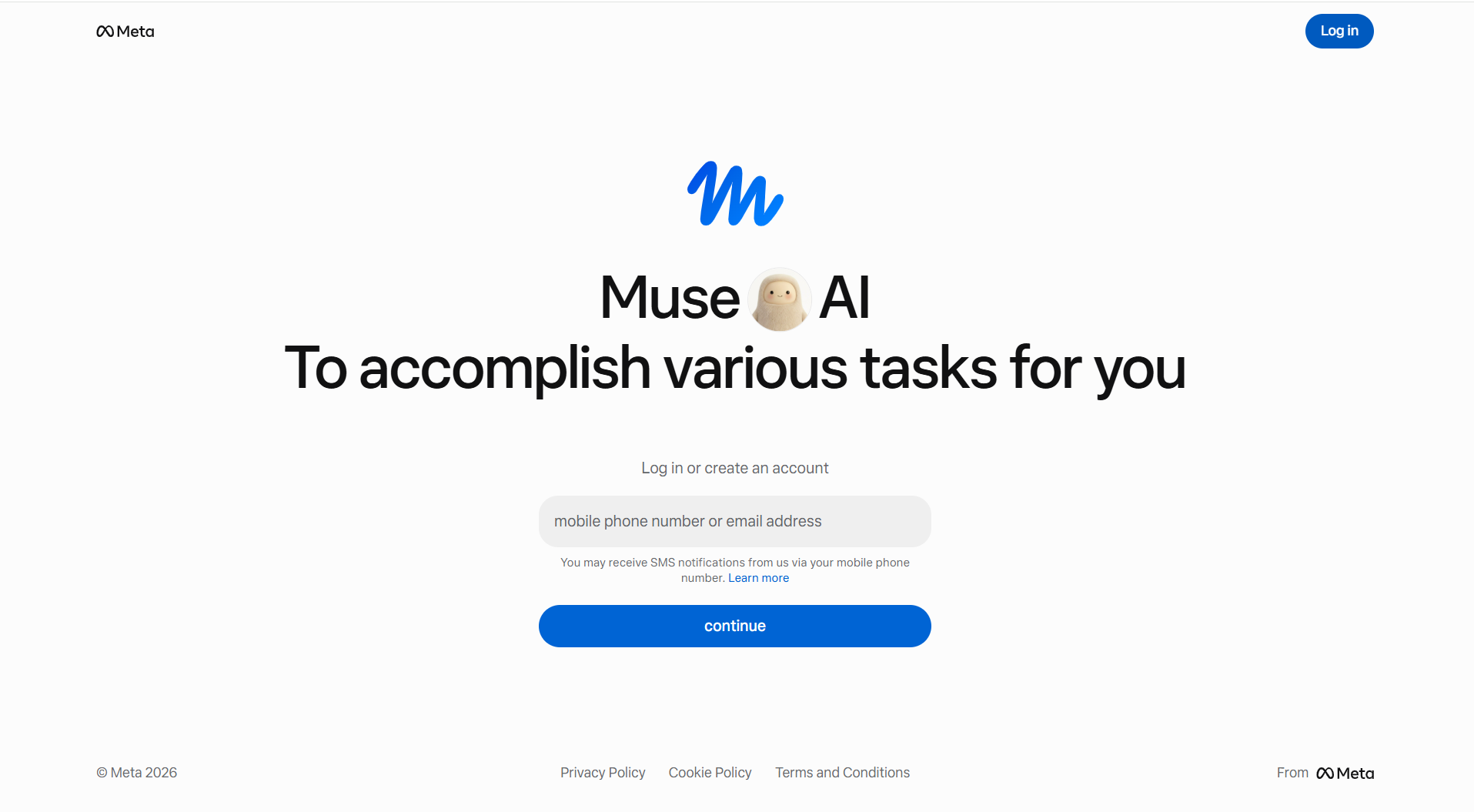
Step 2: Choose Your Subscription Plan
Muse offers three subscription options designed for different usage levels. The free tier lets you test core features with limited weekly tokens. Most users stay within the free tier for basic tasks. As your needs grow, upgrade to Power ($20/month) or Maximum ($100/month) for higher token allowances. Your token usage resets weekly, and an in-app meter warns you before running out.Step 3: Connect Your Apps and Services
Muse uses “Connectors” to link your existing services. In your account settings, authorize the apps you want Muse to access: email, calendar, banking, shopping platforms, Notion, GitHub, PayPal, Walmart, and more. For each connector, choose which permissions to grant — read-only, write access, or both. You maintain fine-grained control over what Muse can and cannot do with each service.Step 4: Describe Your Task in Plain Language
Open a chat with Muse and describe what you want done, like you’re talking to a colleague: “Book a flight from New York to San Francisco for next weekend under $400” or “Turn this recipe into a grocery list and add items to my cart.” You can send multiple tasks at once without waiting for responses. Muse’s long-context memory means it remembers earlier conversations and can manage ongoing goals across many days.Step 5: Review and Approve Sensitive Actions
When Muse needs to make a purchase, send an email, or take any sensitive action, it pauses and asks for your approval. You see exactly what it plans to do, and you can accept, reject, or modify the action. You can watch Muse work in real-time through its built-in browser window, or let it work in the background. The Activity Log shows a full audit trail of everything Muse has done and what it’s planning next.Key Features for Daily Use
- Proactive Notifications: Muse can send you messages when it completes a task or finds something worth your attention, without waiting for you to ask. You control the notification frequency.
- Goals & Tracking: Set long-running goals like “reduce my phone bill” or “find 3 dinner reservations this week.” Muse breaks these into actionable steps and tracks progress in the Goals tab.
- Hands-free Voice Mode: Talk to Muse conversationally while it works in the background, available on iOS and Android.
- Background Work: Muse continues working even after you close the app, checking for updates and taking the next step toward your goals automatically.
- Avatar Customization: Create your own AI agent avatar with a unique name and personality. Muse becomes truly yours rather than a generic corporate entity.
- Email Integration: Forward emails to Muse or add it as a CC to delegate tasks directly from your inbox.
- Mac App with Computer Use: On the Mac app, Muse can directly control your computer to use any application with your permission.
Muse AI Pricing & Plans Comparison
| Plan Tier | Monthly Cost | Weekly Token Allowance | Best For | Key Benefits |
|---|---|---|---|---|
| Free | $0 | Reported at up to 100M Muse tokens | Casual users, testing | Access core features and connectors within the weekly free limit. A payment card is reported to be required even on the free tier |
| Power | $20 | 500M Muse tokens | Regular users, 1-3 tasks daily | More task capacity, faster processing, ideal for small business owners |
| Maximum | $100 | 3 billion Muse tokens | Power users, heavy automation needs | 3 billion Muse tokens per week – for substantially heavier agent usage |
Best Practices for Using Muse AI
- Be Specific in Requests: Instead of “find me a cheaper flight,” say “find a round-trip flight from JFK to LAX, departing Friday September 15, returning Sunday September 17, under $350, prefer morning departures.” Specificity improves accuracy.
- Set Clear Approval Boundaries: Configure which connectors allow automatic action and which require your approval. For money-related tasks, always require approval.
- Use the Goals Feature: For ongoing objectives, create a Goal instead of repeated chat requests. Muse will work toward it autonomously.
- Monitor the Activity Log: Check what Muse has done regularly. This keeps you informed and helps you catch any unexpected behavior early.
- Review Permissions Quarterly: As your usage grows, audit which apps are connected and what permissions they have. Remove unused connectors to reduce security surface area.
- Leverage Background Work: Schedule complex, multi-step tasks before you leave work or before bed, and Muse handles them overnight.
Common Questions
Is Muse AI safe and secure for financial transactions?
Muse uses a dedicated virtual machine isolation model where each user’s agent runs in a separate, sandboxed environment. Your passwords and payment details are never exposed to Muse itself. Instead, a separate approval agent called Sentinel reviews sensitive actions before execution. Meta has not undergone independent security audits yet, so trust depends on your confidence in Meta’s security track record. Financial advisors generally recommend approving each transaction manually rather than allowing automatic execution.
Can I use Muse outside the United States?
Not yet, beyond North America. Muse launched in the United States on September 8, 2026, and reached Canada on September 18, 2026. Meta has said wider availability will follow, but it has not published a date for the UK, the EU, India or any other region. Regional availability may also vary by feature — for example, phone calls to US businesses are in beta even for US users.
Does Meta use my Muse data for advertising?
Meta has stated that Muse conversations are not used to train their ad system or shared with advertising products. However, Meta is an advertising-first company, and independent verification of these claims is still pending. If privacy is a top concern, consider whether you trust Meta’s privacy commitments before connecting sensitive apps.
How does Muse differ from ChatGPT’s agent features?
Muse is a hosted cloud service that runs on dedicated infrastructure with sandbox isolation and real-time browser control. ChatGPT’s agent features work within the ChatGPT environment and have different approval flows. Microsoft Copilot is designed for enterprise work-environment integration. Muse focuses on personal tasks (email, travel, shopping) while ChatGPT agents are broader. Muse requires no upfront technical setup — no API keys or custom integrations needed for personal use.
What happens if Muse makes a mistake during a transaction?
Since you approve sensitive actions before execution, Muse typically won’t complete a purchase or send an email without your go-ahead. If an error does occur (such as wrong quantity in a cart), you can immediately reject Muse’s next action or cancel in progress. For completed transactions, contact the merchant directly for refunds or corrections, just as you would for a transaction you made manually.
Can I use Muse on multiple devices?
Yes. Your Muse account syncs across iOS, Android, and the web at muse.ai. You can start a task on your phone and view updates on your Mac. The desktop Mac app even supports computer-use capabilities for local application control. Your authorization settings, connected apps, and task history sync across all devices.
How much do Muse tokens cost if I run out during a billing cycle?
Muse operates on a weekly token budget that resets automatically. If you run out, you need to upgrade your subscription tier to continue. There’s no à la carte token purchasing option — you choose between Free, Power, or Maximum plans. The in-app meter warns you before you hit your limit so you can plan accordingly.
Technical Specifications
Supported Integrations and Connectors
- Email & Calendar: Gmail, Outlook, Google Calendar, Microsoft Calendar
- Shopping: Shopify catalogue, Walmart, Best Buy, Sephora, Ulta, Wayfair, Gap, American Eagle, DICK’S, Fanatics, Michael Kors; checkout via Stripe Link, Shop Pay and PayPal. Amazon is not supported – Amazon blocked Muse from its retail site on September 20, 2026.
- Productivity: Notion, Google Drive, OneDrive, GitHub (with recent expansion)
- Finance: PayPal, bank connections (varies by region), bill payment services
- Dining & Travel: Restaurant booking, hotel reservations, airline booking (through partnerships)
- Smart Home & Health: Fitness trackers, calendar-based scheduling, music and entertainment services
Platform Availability
Muse operates across multiple touchpoints: the web at muse.ai, native iOS and Android apps, direct integration within WhatsApp, Mac application with computer-use capabilities, and coming soon on Meta’s smart glasses. Voice mode is available on mobile apps for hands-free interaction.References
- Meta Newsroom – Introducing Muse: The World’s First Personal AI Agent Built for Everyone
- Meta Newsroom – Muse for Small Business
- Meta AI – Muse (official product page, including Meta’s own FAQ)
- Meta Help Center – How to get started with Muse
- Meta Help Center – About Muse subscriptions
- Meta Help Center – How to manage your Muse data
- TechCrunch – Meta debuts its Muse AI agent. Will consumers trust it?
