Claude Duet Not in the App Store? How to Install It
You won’t find Claude Duet by searching the App Store or Google Play → open the invitation email on your phone → iPhone installs through TestFlight, Android through the Play Store’s “Become a tester” link → sign in with the same email you gave the waitlist. Searching the store comes first for most people, and it returns nothing. That’s expected, not a bug.
Why Claude Duet doesn’t appear in store search
Claude Duet is a research preview, not a public release. Anthropic lists it as a standalone app for iOS and Android plus the web at claude.ai, and access starts with a waitlist invitation. During the preview the app is distributed as a test build, which is why neither store returns it in a normal search.
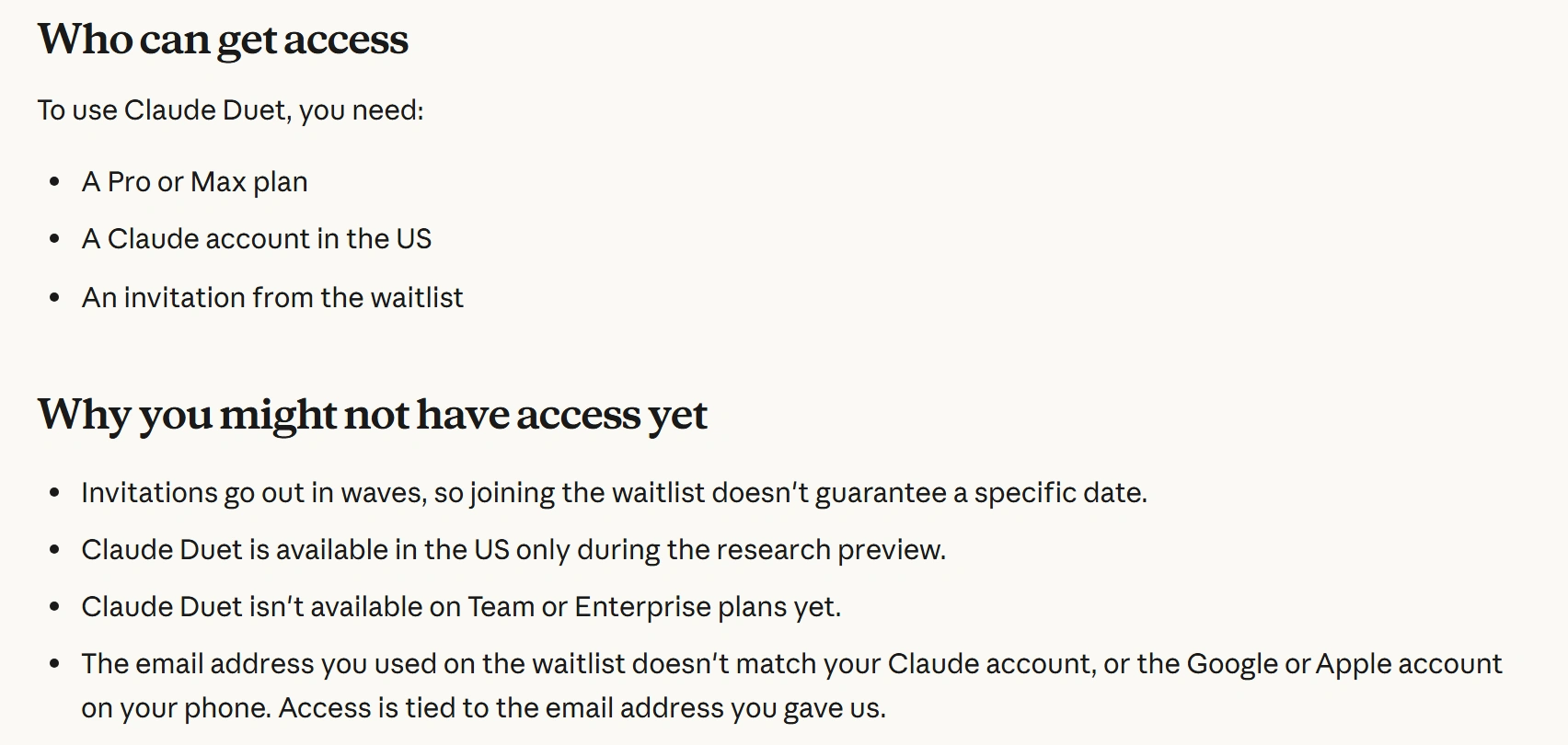
Anthropic’s own help article names three reasons access stalls, and only one of them is about the phone:
- invitations go out in waves, so joining the waitlist doesn’t guarantee a date
- the preview is US-only
- the email on the waitlist doesn’t match your Claude account, or the Google or Apple account signed in on your phone
That third one is the expensive mistake. Access is tied to the address you typed into the form, so it has to match three places: the waitlist entry, the Claude account you sign in with, and the Apple or Google account on the phone. The Claude Duet waitlist walkthrough covers the same three checks from the form side, if you haven’t joined yet.
Claude Duet install steps
- Open the invitation email on your phone. Not on a laptop. Anthropic’s setup page branches by device, and you need to be on the device you’ll install on.
- iPhone: install TestFlight first. TestFlight is Apple’s app for pre-release builds. Install it from the App Store, then reopen the invitation and tap Install there. Duet will not appear in a regular App Store search.
- Android: sign in to Google Play with the waitlist email, then tap “Become a tester.” The install link only works while signed in as the invited account. The app stays invisible to public Play Store search, which is normal for a closed test.
- Wait a few minutes before deciding it failed. Anthropic’s help article says plainly that it “can take a few minutes for the app to become available after you accept the invitation.” Reload rather than reinstalling.
- Sign in with your Claude account. Use the account whose email matches the invitation. Memory, skills, and connected apps carry over — there is nothing to configure first.
- No phone? Use the browser. On a computer, open claude.ai and sign in; the web version needs nothing installed. There is no Windows or macOS desktop app.
- If none of that works, check the email before you touch anything else. Sign out of the phone’s Apple or Google account and back in with the invited address. More setups fail here than anywhere else in the flow.
Claude Duet invitation problems
| What you see | Fix, and why |
|---|---|
| App not found in the App Store or Play Store | Test build, not a public listing. Use the link in the invitation email only. |
| “Become a tester” link does nothing | Google Play is signed in as a different account. Switch to the waitlist email, then retry. |
| Install works, sign-in fails | The Claude account email differs from the waitlist email. Sign in with the invited account. |
| Nothing arrives after weeks | Invitations go out in waves with no published schedule, and there’s no queue position to check. |
| Invitation never arrives at all | US-only preview, or a Team/Enterprise plan. Team and Enterprise aren’t included yet. |
What to check before you wait
Three facts decide whether the wait is worth your time, and all three come from Anthropic’s documentation rather than from coverage:
- Region. The preview is for Claude accounts in the US. A subscription bought elsewhere doesn’t change that.
- Plan. Pro ($20/month, or $17/month billed annually at $200 up front) or Max (from $100/month). Free, Team, and Enterprise are out.
- Budget. Duet spends your existing plan limits, including background checks you never asked for — the detail most people miss.
If you’re still on the waitlist, the walkthrough linked above carries the six official steps from the form to the first sign-in, including the usage-limit math. Other tools we’ve put through the same checks are collected in the AI tool guides on Runmie. If the app installed but the allowance drains faster than it should, why Claude Duet uses up your usage limits shows where the five-hour and weekly allowances actually go.
Test-build installation on iPhone and Android was checked against hands-on reporting from VentureBeast on 21 October 2026; Anthropic’s help article describes the invite flow without naming TestFlight. Installation details can change during a preview — if the steps don’t match your email, follow the email.
Sources
- Anthropic Help Center: Get started with Claude Duet — eligibility, the three reasons access stalls, invitation and setup steps
- Claude Duet product page — platforms, plan eligibility, preview limits
- Introducing Claude Duet — launch scope, US Pro and Max only, waitlist
- Claude pricing — Pro and Max prices and usage multiples
- VentureBeast: Claude Duet first look — TestFlight and Google Play tester installs, in-app tabs
